
Automate BIOS & setup input — at machine speed.
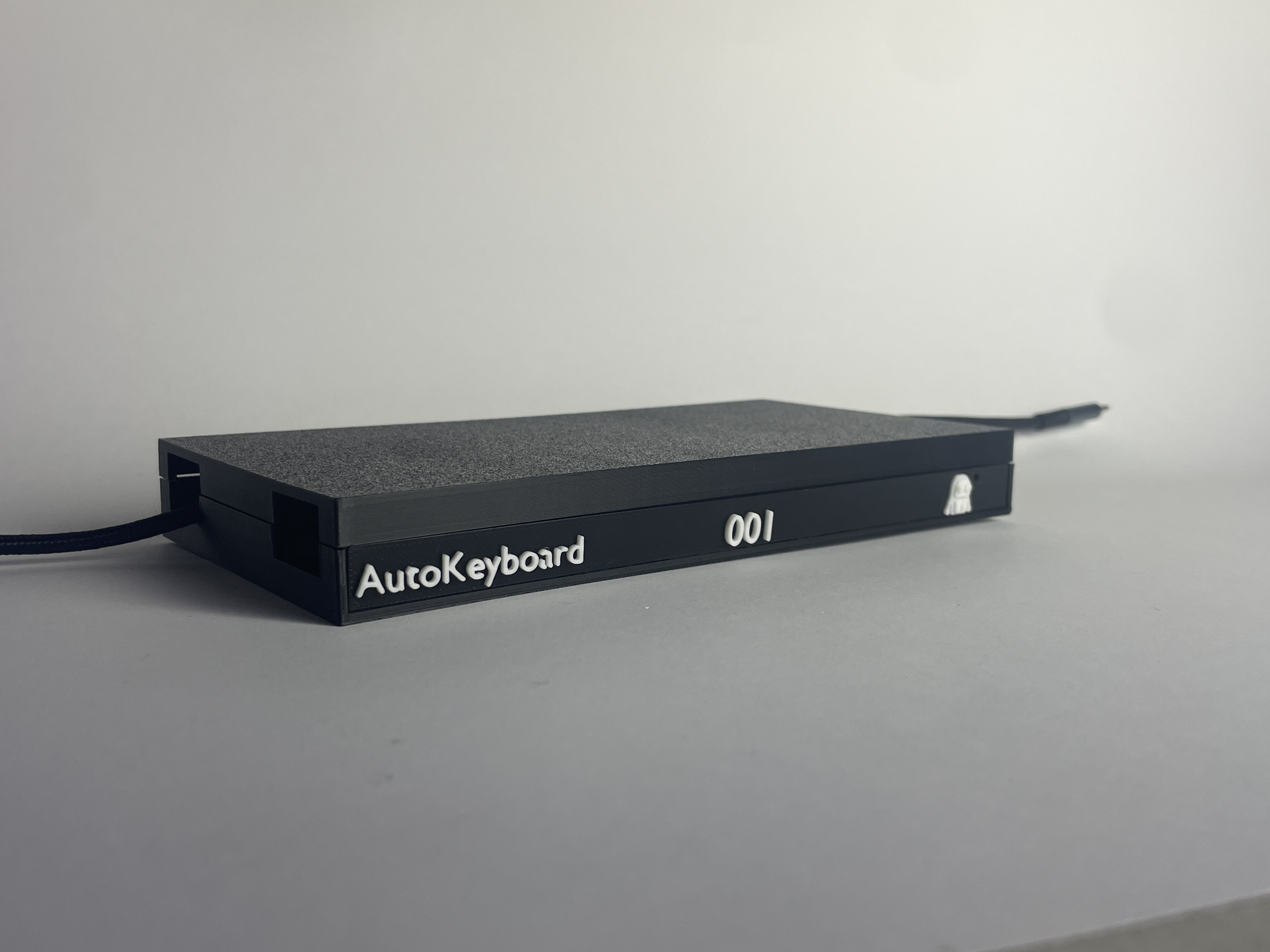
Auto Keyboard replaces repetitive manual keying with a reliable automation device and a guided workflow. Reduce touch time from minutes to seconds, and run the same steps the same way — every time.
Auto Keyboard
Hardware + workflow that turns manual setup into repeatable automation.
Seconds, not minutes
Reduce touch time by automating repetitive BIOS and setup navigation.
Repeatable outcomes
Deterministic input means fewer mistakes and clearer training for new staff.
Scales seamlessly with your growth
Increase throughput using the benches you already have without adding headcount.

How it works
A simple story, told in three steps.
1) Plug in
Connect Auto Keyboard to the laptop as a standard USB keyboard device.
2) Run a workflow
Start a guided run: steps execute with timing and consistency.
3) Verify & repeat
Repeat the same outcome across fleets - fewer errors, more throughput.

Built for real operations
Designed for refurbishment lines
Built to run all day with consistent output and low operator burden.
Repeatable, auditable steps
Workflows can be standardized so training is quicker and mistakes become rarer.
Support that answers
Clear documentation, fast troubleshooting, and practical deployment advice.
Security-minded by design
Built to integrate alongside data erasure and QA processes, with attention to operational safety.
Pricing
Auto Keyboard
token cost c0.004
Best for variable volume. Token based per event, average 100 steps per device
- Repeatable BIOS/setup input automation
- Easy to trial
- Predictable unit cost
Auto Keyboard + AutoWipe
Best for teams replacing third-party wiping tools with one automated flow.
- Auto Keyboard included
- AutoWipe included
- Removes external wiping fees
- Single workflow, single vendor
Subscription
Best for high volume. Run the system as much as you like.
- Unlimited usage
- Great for multi-bench scale
- Budget-friendly for large ops
Request a demo
Let us see your workflow, and we’ll show what can be automated in under a day.
Send a message
What to include
Tell us the laptop brands, your target throughput, and what steps you repeat most. Or just call we're always happy to discuss
Contact