
Auto Keyboard
A small hardware device and guided workflow that turn repetitive BIOS and setup navigation into repeatable automation. Made for operations that value speed, consistency, and quality.
Gallery
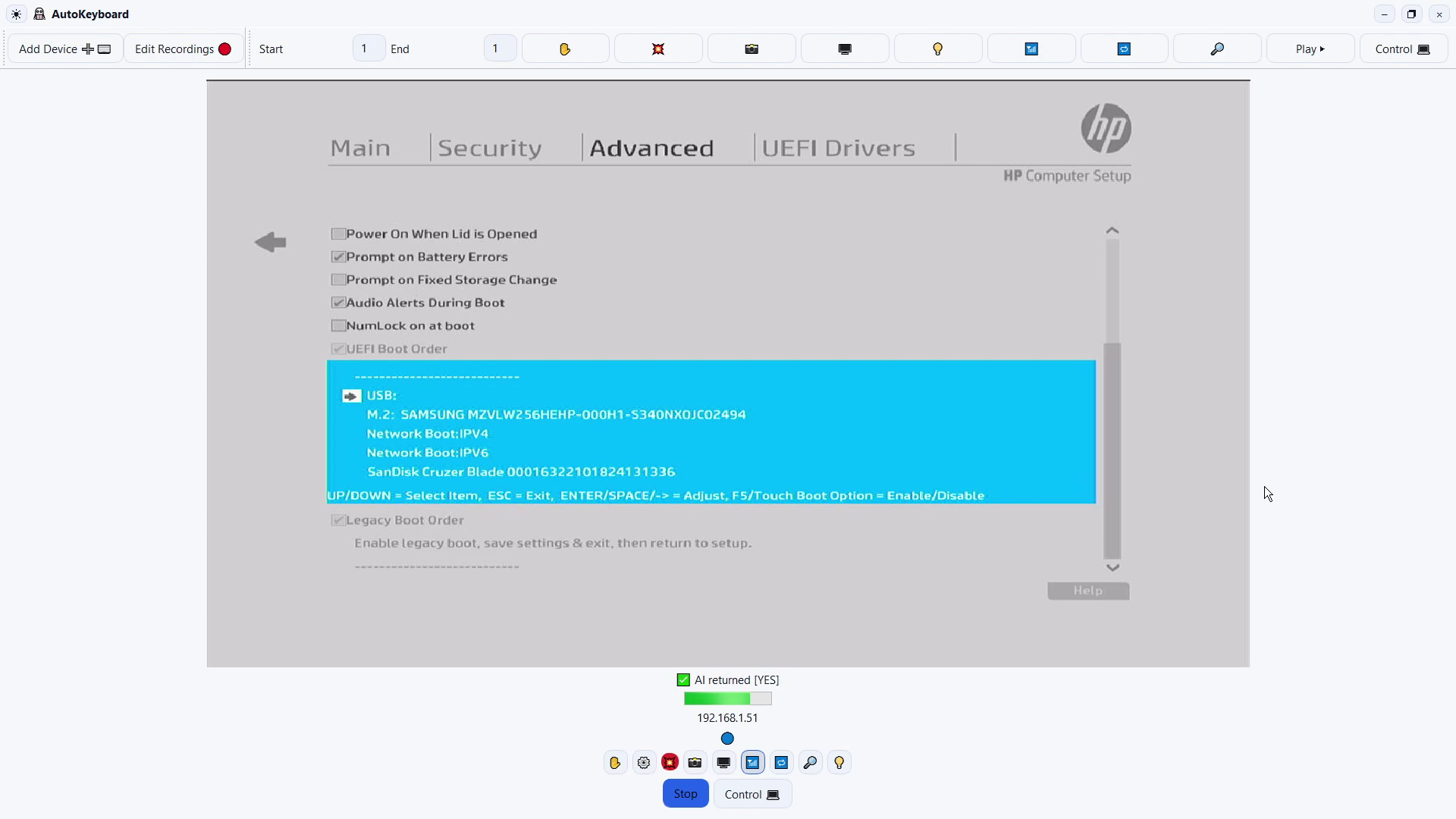
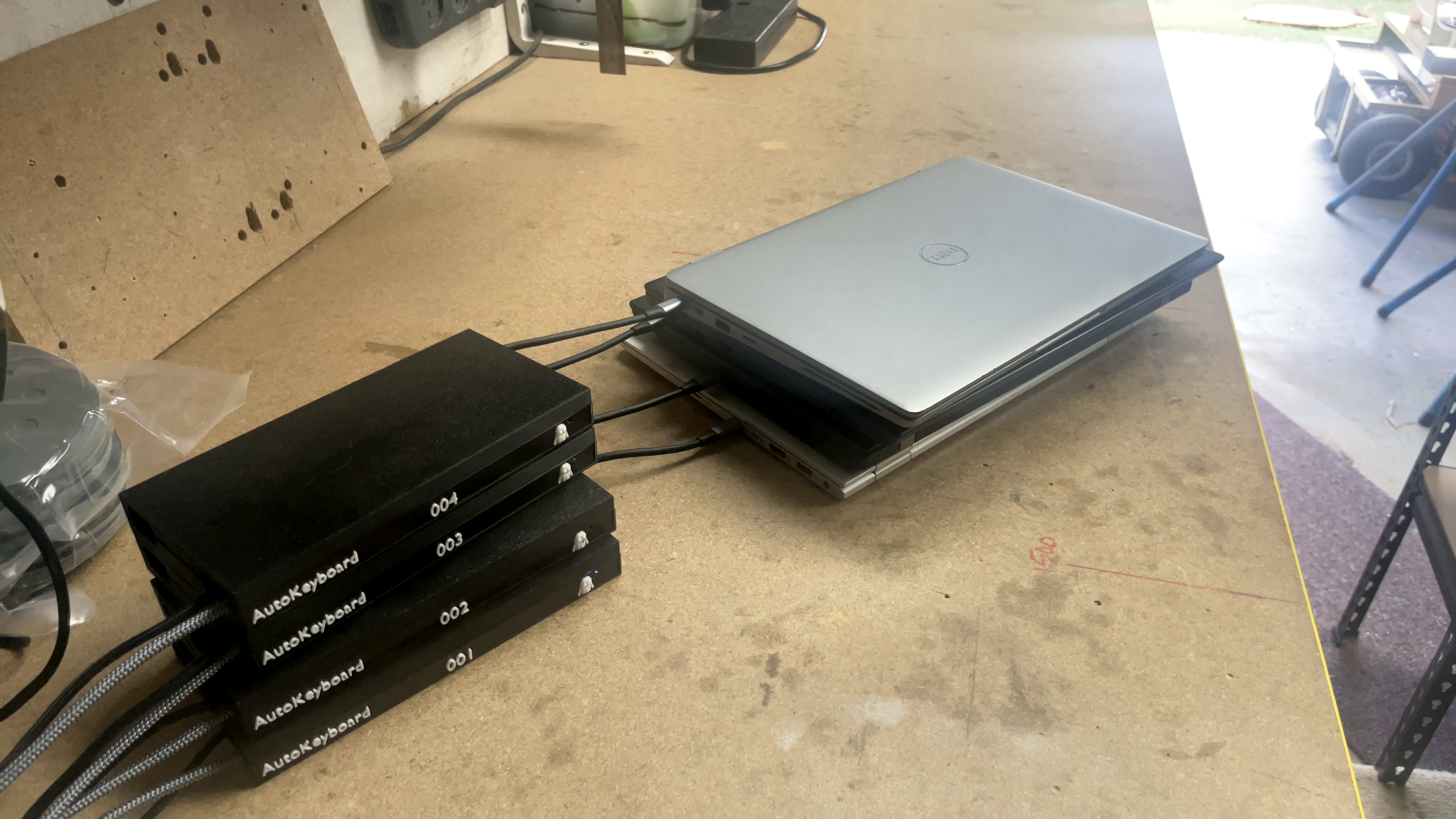
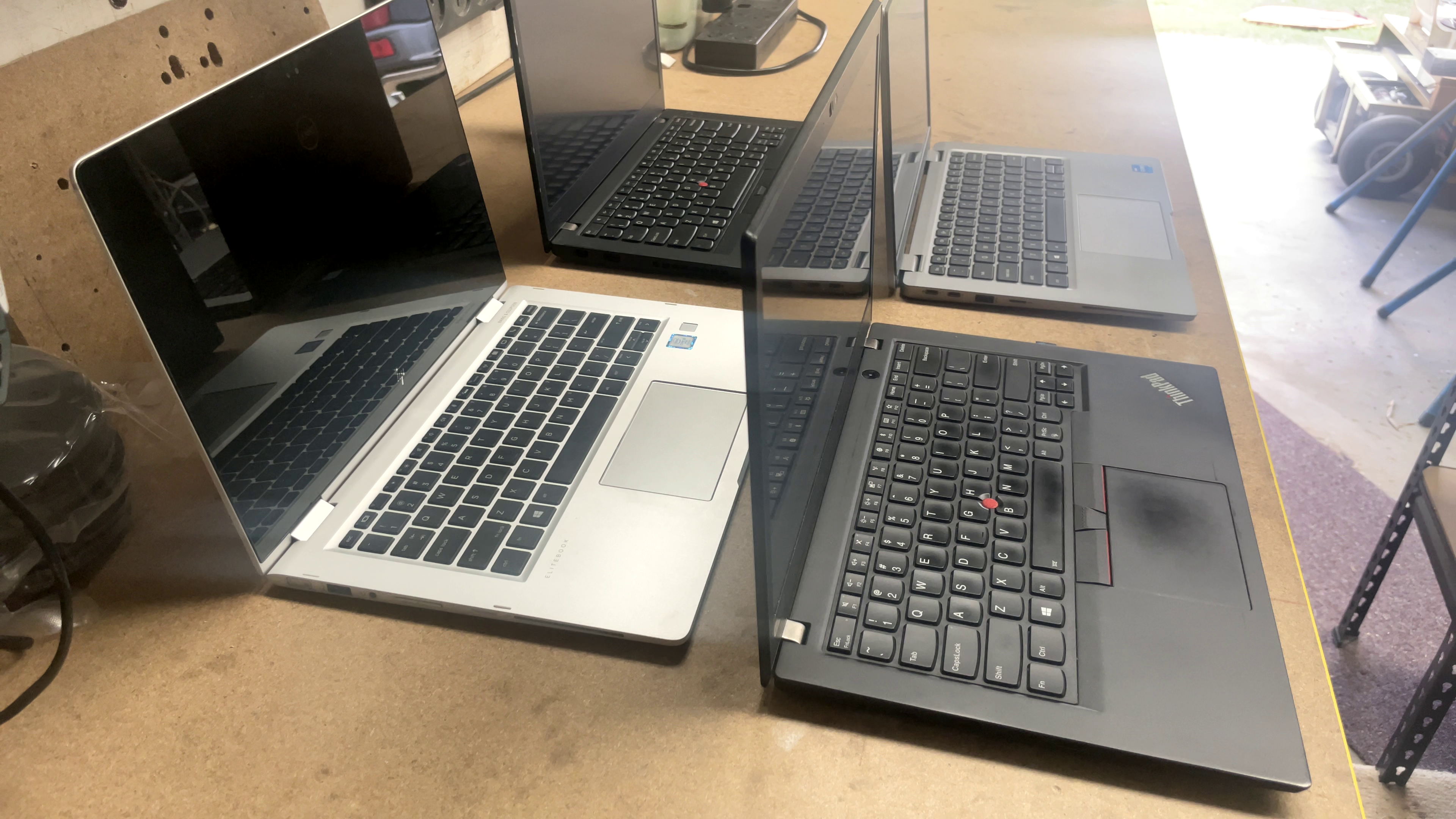
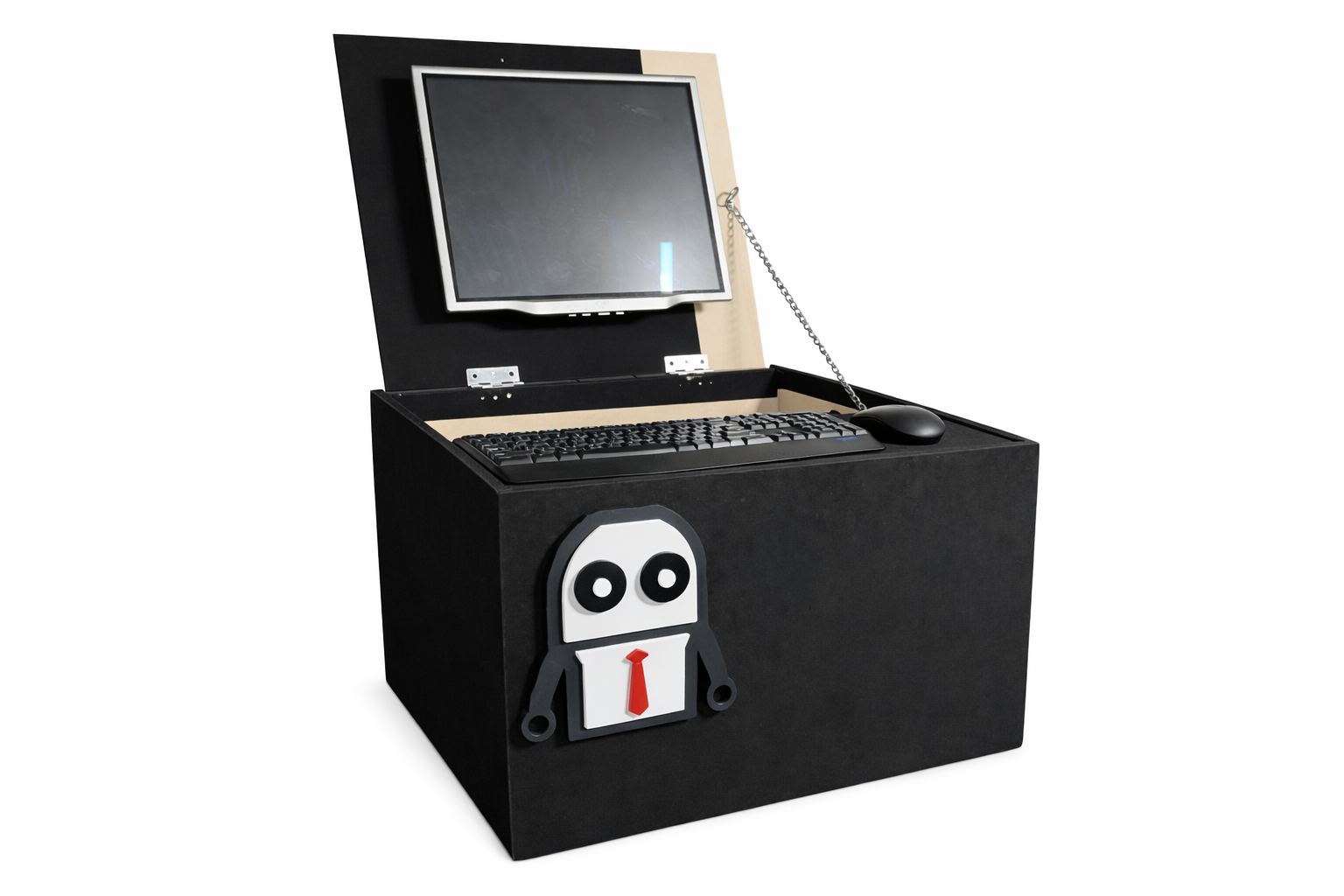
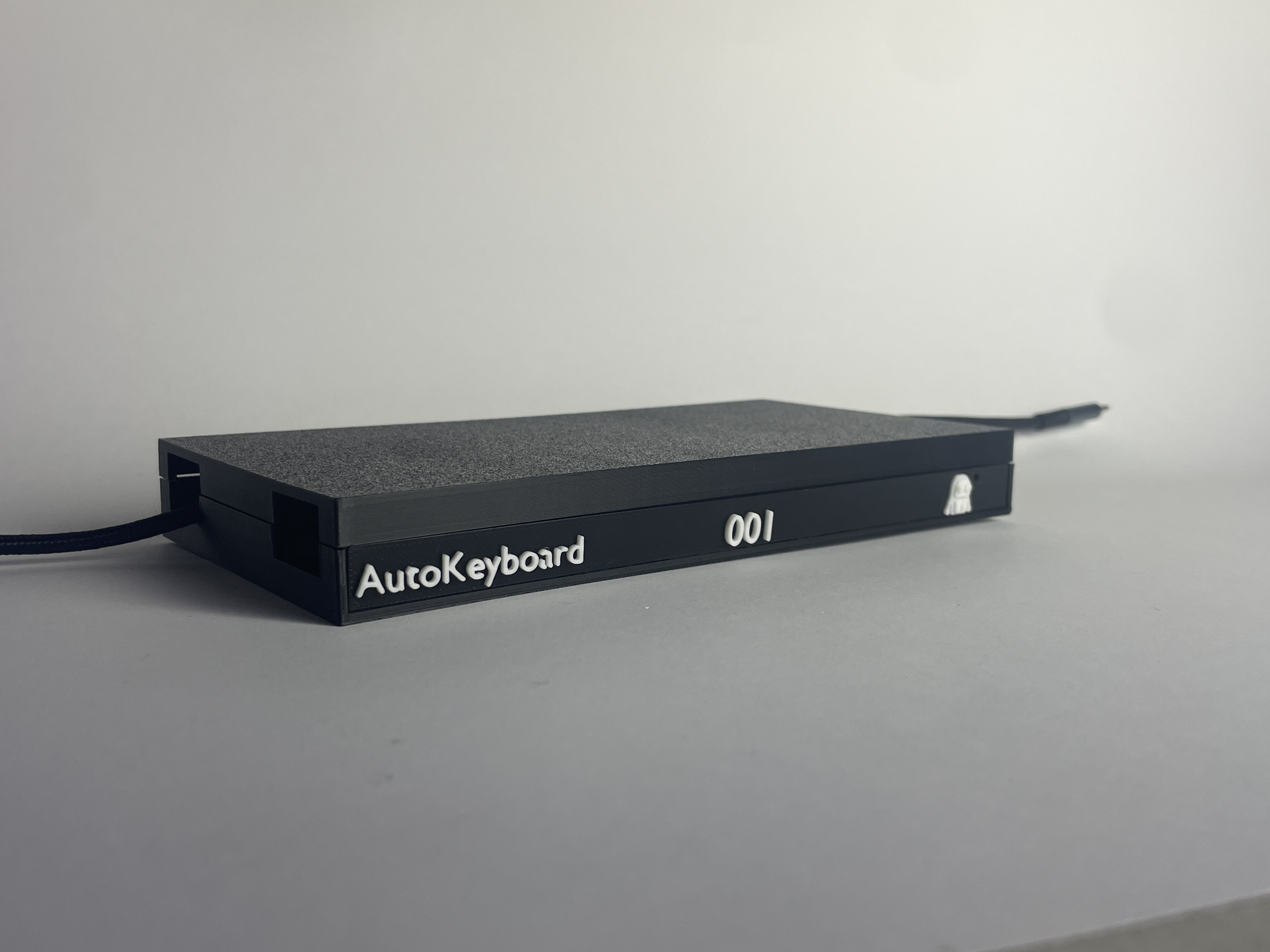
What it delivers
Reduce touch time
Turn repetitive navigation into a consistent workflow that can run while staff prepare the next unit.
Fewer mistakes
Deterministic inputs reduce variance between operators and improve QA results.
Scale with confidence
Add benches without adding chaos: standard steps, standard outcomes, simpler training.
How it works

1) Plug in
Connect as a standard USB keyboard device.
2) Start workflow
Run your defined steps with consistent timing and key actions.
3) Verify & repeat
Repeat across fleets with less operator effort and fewer errors.
Compatibility
Laptops / BIOS
Designed for modern USB HID-compatible BIOS/UEFI environments. In practice, we validate workflows per model line (e.g., ThinkPad/EliteBook/Latitude families) before production rollout.
Workflow scope
Typical tasks include BIOS entry and navigation, boot menu selection, toggling common settings (TPM/Secure Boot/Virtualization), and walking predictable OS setup prompts.
Operational setup
Designed for bench lanes: one operator can oversee multiple units while workflows run, reducing keystroke fatigue and operator variance.
Integration
Built to sit alongside wipe/certification and QC checks: automate the repetitive input, then proceed to your existing erase and verification stages.
Pricing
token cost c0.004
Best for variable volume. Token based per event, average 100 steps per device
Variable volume with a cheaper wiping alternative. Easy to trial.
Best for high volume. Unlimited usage for the week.
FAQ
Is it difficult to set up?
Not at all we set it up for you then all you need to do is: plug in, select workflow, run. We help you add any needed caveats for your environment.
What if a laptop screen differs from the expected step?
Each step can be tested and accounted for in the workflow editor.
Which laptop brands are supported?
Lenovo, HP, Dell and many major brands are supported.
How do updates and support work?
Updates are delivered automatically and support is available via email and phone.